
I’ve already wrote two posts about Dell Latitude E6540 (here and here) and it seems that I have to write another one. If you ran Windows 8.1 on Dell Latitude E6540 you can face problem with graphic. I mean that you see some strange effect with your browsers, some graphic performance issues, some broken pages, etc. The problem occurs with official Dell driver for Intel HD 4600 graphic. To solve the problem you have download driver in zip file from Intel site. And if you just download and try to install with setup file you will get an error that it’s impossible. To do this you have to go: control panel –> system –> device manager, then go to our graphic card and select update driver and add path to our downloaded driver. After that you just have to restart your system and that’s all. Your laptop works without any problem with graphic.
[adblockingdetector id=”5770e6ed85560″]

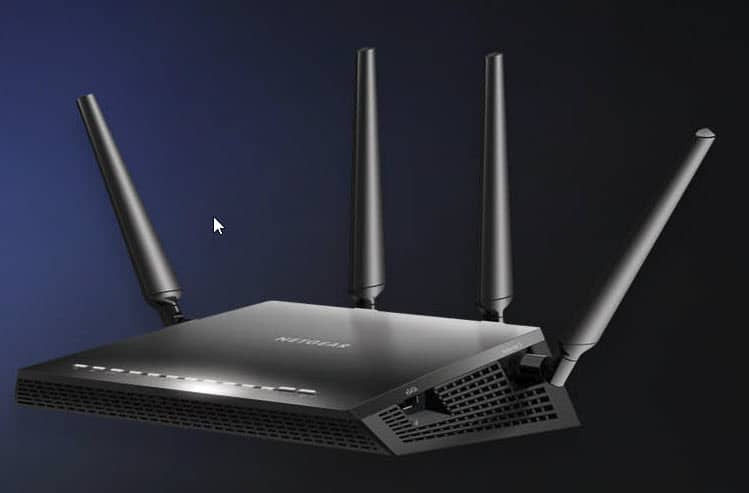
VPN at home
In fact, many people will immediately ask: why do we need a VPN at home? For me, as a person who is often out of the house is the basic functionality. If you are traveling, you usually do everything to keep your luggage from weighing tons. That is why the computer you...
0 Comments