
In previous post I’ve presented how to configure SharePoint secure store. Now it’s time to use it with BCS, which make them excellent team. It’s not a big deal, you need just SharePoint Designer.
When you connect with Designer to your site
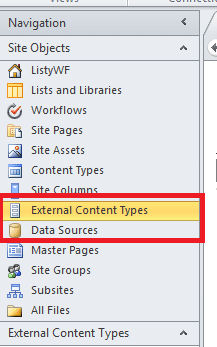 you have to select “External Content Types”, it will allow you to create connection to your database. Now it’s time to make our connection, so please select “Add connection”
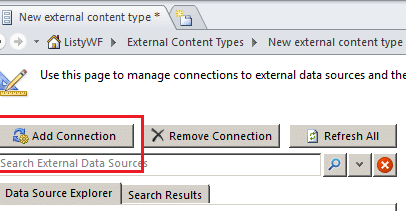
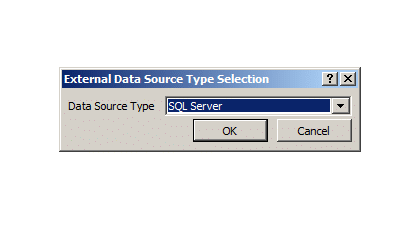
And then we need connection to SQL Server. Ok almost there. Now we have to enter all information necessary to connect to database and use our Secure Store application – select “Custom Identity” as shown.
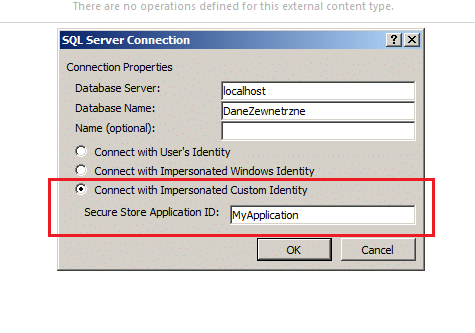 And in the last step enter login and password which you used during secure store setup. To check that we did it you have to run SQL Server Profiler and run trace with filter for a login name
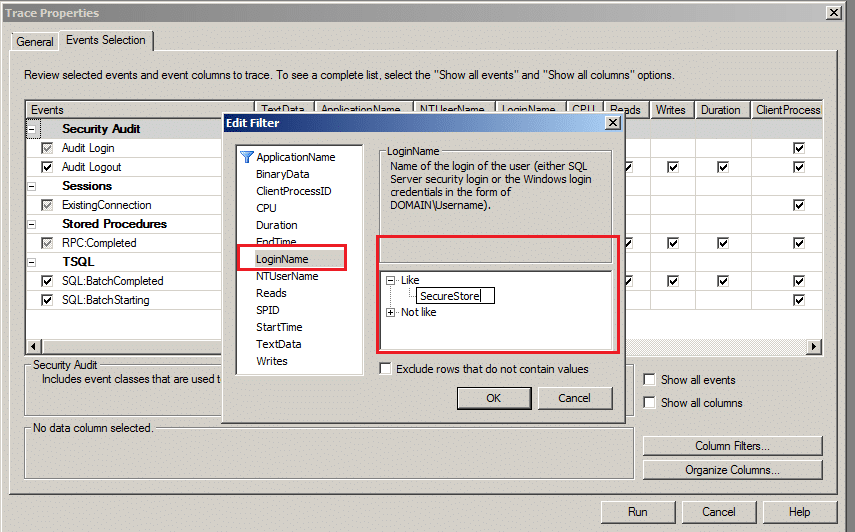
Now each time you explore created connection in SharePoint Designer (Drill down), you will see that these information are requested by our custom SQL Server account.

0 Comments