You do not have to click a suspicious link. You do not have to download anything. The everyday habits that expose your personal data are ordinary ones you repeat without thinking about them.
Twenty-five years in this industry has taught me one thing that contradicts every film ever made about hacking: in nine cases out of ten, the user left the door open. Not forced by a genius in a hoodie.
Here are the five I see constantly, and a two-minute fix for each. At least two of them, you are doing today.
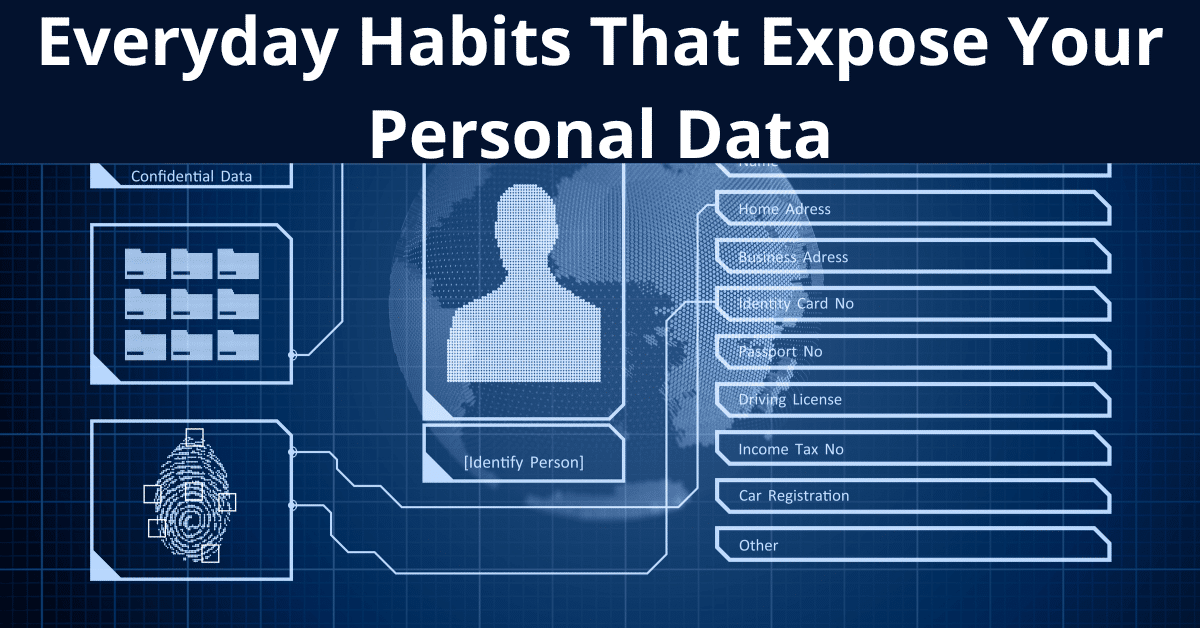
The five everyday habits that expose your personal data
1. The same password everywhere
You have one good password you can remember. You use it for email, for social media, for your bank, for online shops. Convenient.
The problem is that you are not the one guarding that password. The weakest service you ever gave it to is guarding it.
Some small shop from three years ago that you have long forgotten about gets breached. Your email and password land on a list. And these datasets do not expire - every major breach you have ever read about is still circulating years later.
Then comes the automated part. Criminals take that email and password pair and try it literally everywhere: your bank, your primary email, your work account. It has a name, credential stuffing, and it requires no skill at all. It is a script.
The fix. A password manager. I know people have said this a thousand times, and apparently, I still need to say it. One app that generates and remembers a unique password for every service. You remember one password - the one for the manager - and you use it nowhere else. Personally, I use Proton Pass which is part Proton suite. And if you want to support my work, here's the referral link.
Two minutes today: go to haveibeenpwned.com and type in your email address. I would bet something comes up.
2. No second factor
This one is not everyday habits that expose your personal data. This one is worse... This is the one that saves you when number one has already failed.
Assume someone has your password. From a breach, from a guess, from anywhere. With multi-factor authentication switched on, the password alone is not enough - the system also asks for a code from your phone or an approval in an app.
The attacker has the password. They do not have your phone. They stop.
Microsoft publishes a figure that should be on billboards: enabling MFA stops over 99% of automated attacks on accounts. Over 99 percent, from one setting.
But not all MFA is equal. An SMS code is better than no protection, but attackers can intercept it or transfer the SIM card to their control. This SIM swap is how several high-profile breaches occurred. An authenticator app or a hardware key is the level you want.
Five minutes today: open the security settings of your primary email account and enable app-based MFA. Then do the same for anything connected to money.
3. Public Wi-Fi and "free" charging points
Airport, cafe, hotel. You grab the free Wi-Fi and get on with your email. Have you ever wondered why shopping centres give you Wi-Fi for nothing?
Let me be precise about the risk, because this topic attracts a lot of exaggeration. The main danger is not that someone immediately reads your password - most sites use HTTPS. Or at least they should. The real risks are tracking, metadata, and someone substituting a fake network.
Anyone can stand up a network called "Free_Airport_WiFi". You sit down, connect to a network created by the person two tables away, and they see the traffic from your device. Personally, I use a VPN (Proton VPN ) almost everywhere and every time because I prefer to keep my privacy strict as much as I can.
The second, less obvious trap is public USB charging ports. Plug your phone into an airport socket and that same cable can carry data as well as power.
The fixes.
- On unknown Wi-Fi, use a VPN. And be clear about what a VPN is: it does not make you anonymous, whatever the ads say. It encrypts traffic leaving your device, and that is its genuine value.
- For charging, a USB data blocker adapter passes power and blocks data. It costs a few euros and it is the simplest possible fix.
4. Apps you gave too much are everyday habits that expose your personal data
And it’s done behind the scenes constantly. You install a torch app or a game. It asks for access to your contacts, your location, your microphone. You tap "Allow, allow, allow" because you want to get on with it.
Why does a torch need your contacts? It does not. But it now has your entire address book, and it sells it on.
This is not a hack. It is a business model. There are companies with the pleasant name data brokers whose entire job is accumulating information about you and selling it. In that transaction you are the product on the shelf, not the customer.
Two minutes today: on your phone go to Settings → Privacy and review which apps have access to location, microphone and contacts. Revoke everything that does not obviously need it.
The rule is simple, and it inverts the habit most of us have: deny by default. If an app asks for something it does not need to do its job, refuse. Nothing bad happens, and your data stays with you.
5. No backup
The one that hurts most, once it is too late.
"That is not a data leak", you will say. Agreed. But ransomware - malware that encrypts every file you own and demands payment - is the number one plague right now, and it does not only hit companies. It hits ordinary people. Photos of your children, documents, invoices.
What are your kids' photos from ten years ago worth to you? How will you feel when they are simply gone?
With a backup you restore and the problem is over. Without one you either pay criminals or you lose everything. And it does not even take an attacker - a phone in a toilet does the same job.
The rule I give every client and every friend: 3-2-1.
- Three copies of your data
- On two different types of media
- One of them off-site
Cloud storage, a drive at a relative's place, an external disk once a week. Pick anything, as long as it is something. The worst backup is the one you never made.
Two conditions make it actually work. Automate it - if you have to remember to do it, it will not happen. And test the restore - check that something is genuinely being written to that cloud folder or external disk, because an empty backup feels exactly like a real one right up until the day it matters. Remember. There are two kinds of people. Those who do backup and those who didn’t find out yet that they needed it it...
Why I push this so hard and write about everyday habits that expose your personal data?
I once worked with a tiny company - a dozen or so people, an ordinary business like thousands of others. The owner was certain none of this applied to him, because who would be interested in him?
One employee. One password, also used privately. No MFA.
The account was taken over on a weekend, and emails went out to the company's partners asking them to pay into a completely new bank account. You can guess the rest.
Nobody used Hollywood magic. It was exactly the chain described above: reused password from a breach, no second factor, no way to notice.
We turned on MFA, a password manager and backups. Half a day of work.
Bottom line
You do not have to be an expert to be safe. You have to stop leaving doors open.
None of these five things is secret knowledge. They are ordinary habits which, once you set them up, simply work in the background.
Pick one and fix it within the next hour. When you are done, the two scams most likely to reach you next are covered here: instant payment and text message scams and deepfake CEO fraud.
📧 I write weekly about M365 security for SMBs - join the newsletter on LinkedIn → https://www.linkedin.com/in/tomasz-szulczewski/

0 Comments